Mailpit, Adminer and Other Tools in Each Run
Mailpit, Adminer and other web tools from the DDEV environment now open directly from the run.
A run is a single execution of a workflow on a project, with its own DDEV environment on the server. Until now, you could reach the website, the terminal and VS Code there. The tools DDEV ships next to the website stayed out of reach. Since version 0.13, these tools open directly from the run.
Opening a Tool
Each tool gets its own button at the top of the run page, next to "Open in IDE" and "Terminal". Clicking it opens the tool in a new tab.
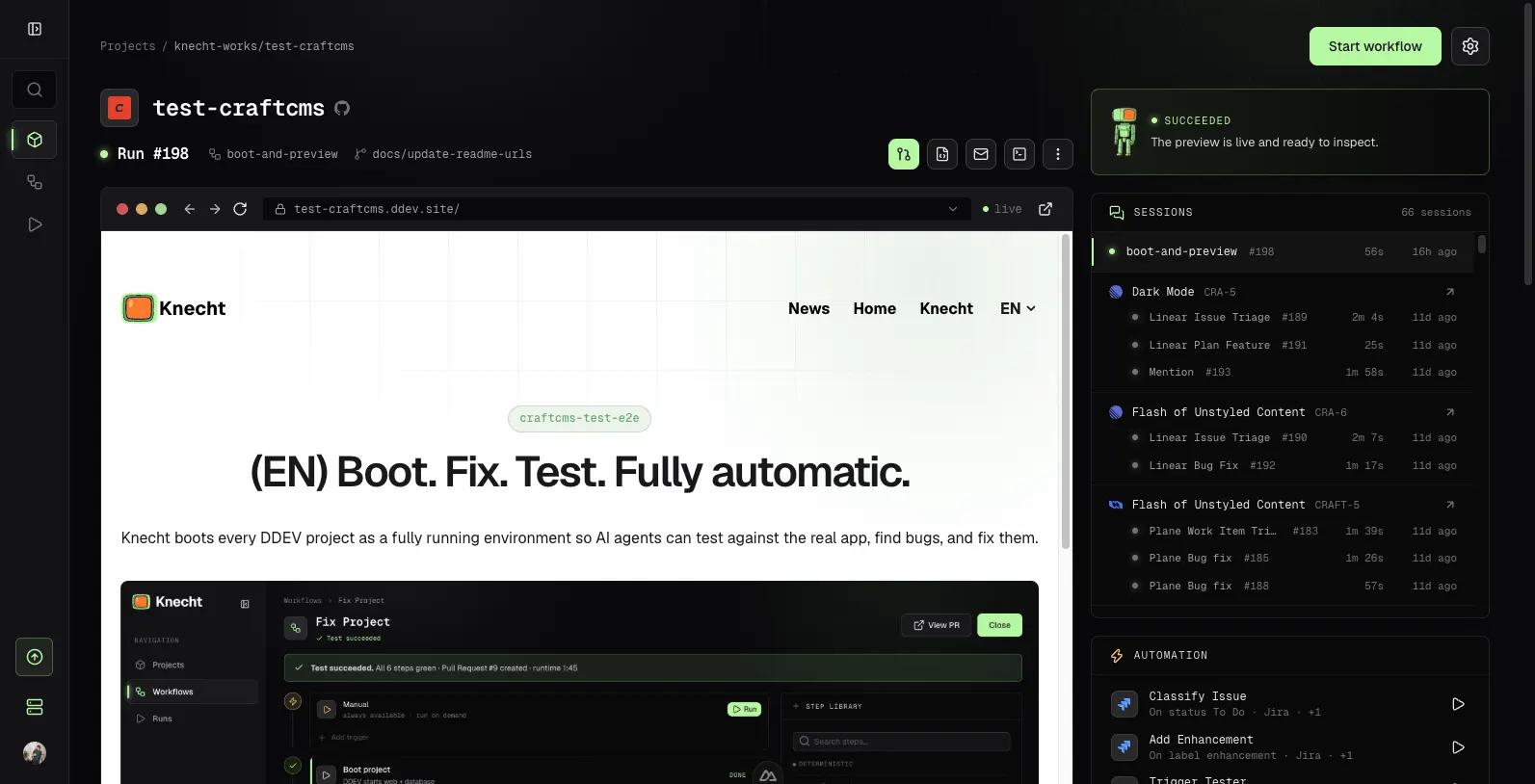
Knecht shows the tools that come with the repo's DDEV config:
- Mailpit is part of every DDEV environment and catches every email the project sends.
- Add-on containers like Adminer, phpMyAdmin or Solr appear under their service name.
- Extra ports of the web container, exposed through
web_extra_exposed_ports, appear under the name set there.
How It Works
Locally, the DDEV router makes the tools reachable. It takes requests on ports 80 and 443 and passes them to the right container, for example Mailpit on port 8026. On the server, Knecht starts DDEV without this router. Many runs share one Docker daemon there, and every router would try to claim the same ports on the host.
The router learns from the containers themselves which ports to pass through. Each container carries the environment variables HTTP_EXPOSE and HTTPS_EXPOSE with its ports. Knecht reads these variables from the running containers of a run and passes the ports through itself. So every add-on that is reachable through the router locally also shows up in the run.
Each tool gets its own address, following the same scheme as the preview with the tool's name in front, for example mailpit--42.preview.example.com. The website's port and the dev server's port do not get a button, since the preview already serves them.