Invite links, passwords and several owners
With version 0.18, nobody needs a GitHub account to get into the dashboard. Owners invite with a link and manage the instance, members work with it.
Until now, access to Knecht depended on GitHub. You invited people by their GitHub name, and every member could do everything, including removing others. But in an agency not everyone has a GitHub account, for example project managers who only work in Jira. With version 0.18, you can get in without GitHub, and there are roles.
Invite by link
An owner clicks "Create invite link" in the settings and sends the link on. It works for one person and for seven days, and you can revoke it.
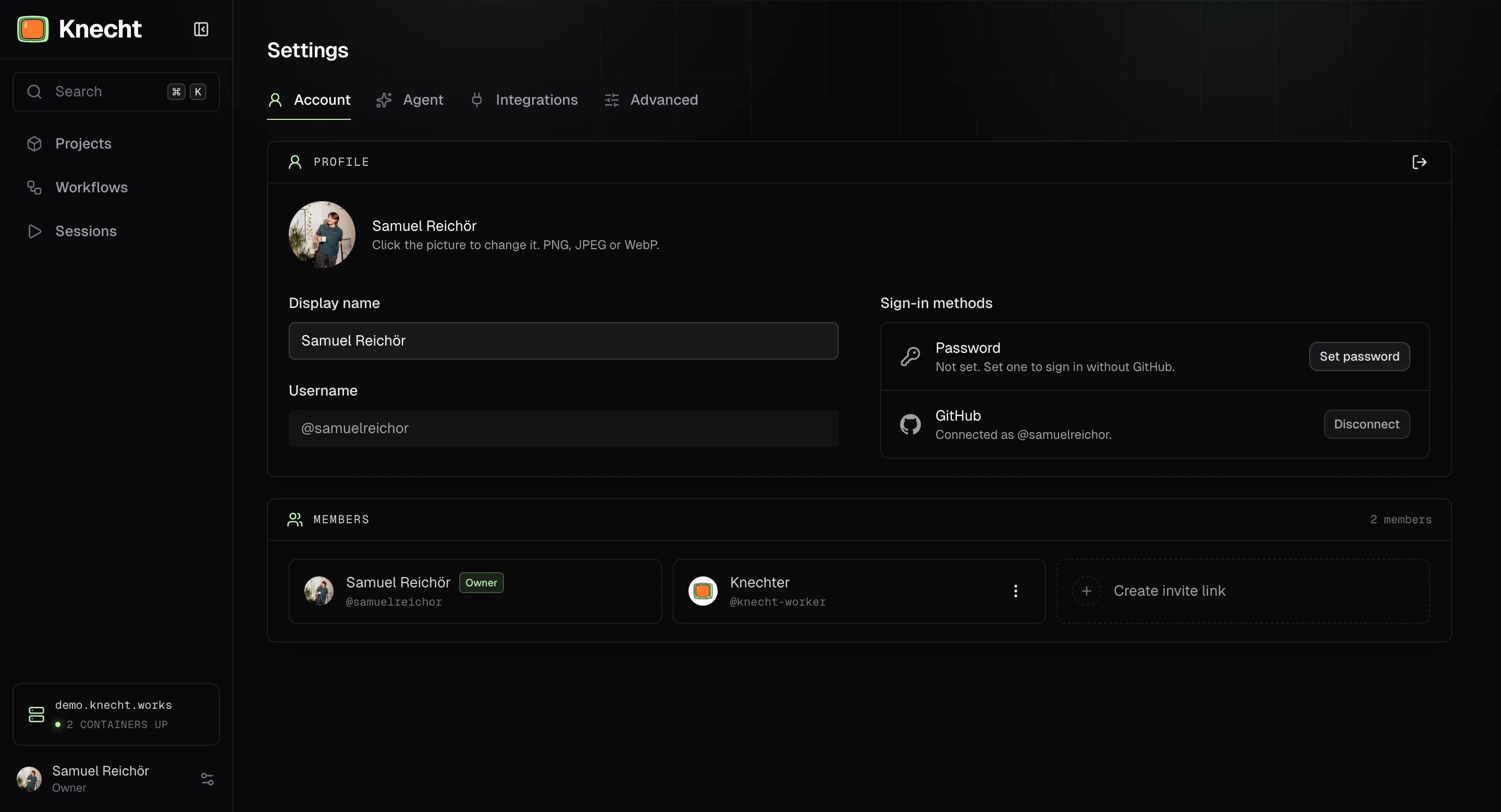
Whoever opens the link picks a username and password, or joins with GitHub. After 10 failed attempts in 15 minutes, Knecht blocks further attempts, per username and per client.
Owners and members
While we were at it, we also introduced simple user roles. For now "Members" and "Owners". An instance can have several owners. In the actions menu on a member's card, an owner gives the role with "Make owner" and can take it away there again.
The owner role covers settings for the whole instance for example:
- invite and remove members
- connect, change and disconnect integrations
- pick the AI provider, key and models
- set session retention, parallel runs, SSH address and update schedule
- update Knecht
Members can only view these settings.
Forgotten password
An owner creates a link with "Create password reset link". It works once and for 24 hours. Whoever opens it sets a new password and is signed in. Knecht signs out all other sessions of the member, as with every password change.
If the only owner is locked out, a script on the server creates the same link:
docker compose exec knecht node scripts/reset-password.mjs <username>
In case you also forget your username we got your back. Just use this command to list all usernames:
docker compose exec knecht node scripts/reset-password.mjs
What comes next
Until now, the GitHub App was the login, a requirement for the setup and the access to the repos at once. The login is now separate. Next, GitHub becomes one git connection among several, and we are adding GitLab.